Goofy Sound Effects: 20 Royalty-Free Comedy Sounds

Goofy sound effects are comedy punctuation. A rubbery boing can make a bounce feel impossible, a record scratch can freeze an awkward room, a squeaky toy can turn a confident step into a joke, and a tiny bonk can make a harmless hit feel playful instead of violent.
The useful question is not, "Which sound is funniest?" It is, "What changed in the scene?" Did the character lose confidence, miss a step, discover something strange, or hit the ground with no real danger? Once you know the comic turn, the right sound becomes easier to choose.
In this guide, we’ll break down the main types of goofy SFX, show how they work in comedy editing, and give you a practical workflow for timing, layering, recording, and mixing them without making the track feel crowded. The companion +Sounds collection for this post gives you a fast starting point: audition a few options, choose the one that matches the beat, then adjust timing and level until the joke feels intentional.
What are goofy sound effects?
Goofy sound effects are exaggerated, playful, usually non-realistic sounds used to make a moment feel silly, awkward, harmless, elastic, or unexpectedly funny. Common examples include boings, boinks, squeaks, slide whistles, record scratches, wah-wah reactions, tiny whacks, comic pops, rubber stretches, scuffs, slips, and short vocal reactions.
They sit somewhere between cartoon sound effects, foley, musical stingers, and character reactions. A realistic fall might use cloth movement, a body thud, and a bit of room tone. A comedy fall might use a short downward whistle, a soft bonk, and one squeak on the final frame. The goal is not physical accuracy. The goal is to tell the audience how to feel about the action.
That is why these sounds show up in animation, YouTube edits, TikToks, podcasts, games, explainer videos, kids’ content, and serious scenes that need one moment of relief. They can make a character feel smaller, make a cut feel sharper, or turn a mistake into a beat the audience understands immediately.
A short history of comedy sound
Comedy sound is older than recorded film dialogue. In the silent era, theater musicians and effects performers helped physical jokes land with percussion, whistles, bells, and live noisemakers. Once synchronized sound became part of animation, those accents became more exact: a jump could get a spring, a blink could get a tick, and a fall could get a whole descending phrase before the impact.
Classic theatrical cartoons turned that timing into a language. The technique often called Mickey Mousing closely matches music or sound to on-screen motion. Warner Bros. sound editor Treg Brown helped define a wilder version of that language in Looney Tunes and Merrie Melodies, where the funniest sound was not always the most realistic one. A strange, mismatched, or exaggerated effect could reveal the joke behind the motion.
Modern editors use the same idea in new places: a record scratch in a YouTube essay, a toy squeak in a TikTok, a boing in a mobile game, or a tiny failure stinger in a podcast. The tools changed, but the craft is the same: choose the sound that clarifies the comic beat.
Types of goofy sound effects
- Boings and boinks: Springy sounds for bouncing, stretching, sudden reveals, impossible physics, and overconfident movement that needs to collapse into comedy.
- Toy squeaks: Small, vulnerable sounds for tiny steps, cute mistakes, awkward object handling, and characters who should feel harmless or embarrassed.
- Record scratches: Abrupt stops for social mistakes, sudden realizations, freeze-frame moments, bad ideas, and any scene where confidence disappears instantly.
- Whacks, bonks, and taps: Short comedy impacts for bumps, pratfalls, dropped props, fake punches, slapstick contact, and physical jokes that should not feel brutal.
- Scuffs and slips: Footwork sounds for hesitation, sneaking, skidding, balance loss, clumsy entrances, and characters trying to recover dignity in real time.
- Wah-wah and failure stingers: Musical-feeling reactions for disappointment, failed plans, awkward silence, or a joke that lands because the character knows they lost.
- Goofy voices and laughs: Short human or creature reactions that add personality to animation, games, social edits, and nonverbal character beats.
- Pops, blips, and tiny digital cartoons: Clean, fast sounds for motion graphics, UI gags, mobile games, meme edits, captions, stickers, and on-screen reveals.
- Rubber stretches and zips: Elastic movement sounds for limbs, props, facial expressions, fast exits, whip-pans, and anything that should feel flexible rather than heavy.
- Silence: The underrated comedy effect. A hard cut to silence before or after a goofy sound can make the punchline feel sharper.
What the sound needs to do
A good comedy effect is attached to a specific story job. A squeak can tell us a character is not dangerous. A record scratch can tell us the plan just failed. A bonk can say the impact hurt the character’s pride more than their body.
- Soften violence: Use rubbery, short impacts instead of heavy low-end thuds.
- Reveal emotion: Put a squeak, gasp, or tiny vocal reaction on embarrassment.
- Compress timing: Use one pop or chirp to say “something just appeared.”
- Redirect attention: Use a zip or blip to pull the eye toward a small visual change.
- Reset rhythm: Use a record scratch, dry hit, or silence before the next line.
Before searching a library, name the beat in plain language: surprise, failure, bounce, tiny injury, bad decision, panic, or awkward pause. The clearer the job, the better the sound choice.
Goofy sound effects in action
Classic cartoon timing
Traditional animation treats sound like choreography. The sound follows the physical idea of the movement: stretch, hang, snap, fall, stop. This is why so many classic cartoon effects feel musical even when they are not part of the score.
The lesson for modern editors is precision, not nostalgia. A boing that lands vaguely near a bounce feels pasted on. A boing that hits the exact frame where the motion changes direction feels designed.
How cartoon sounds are made
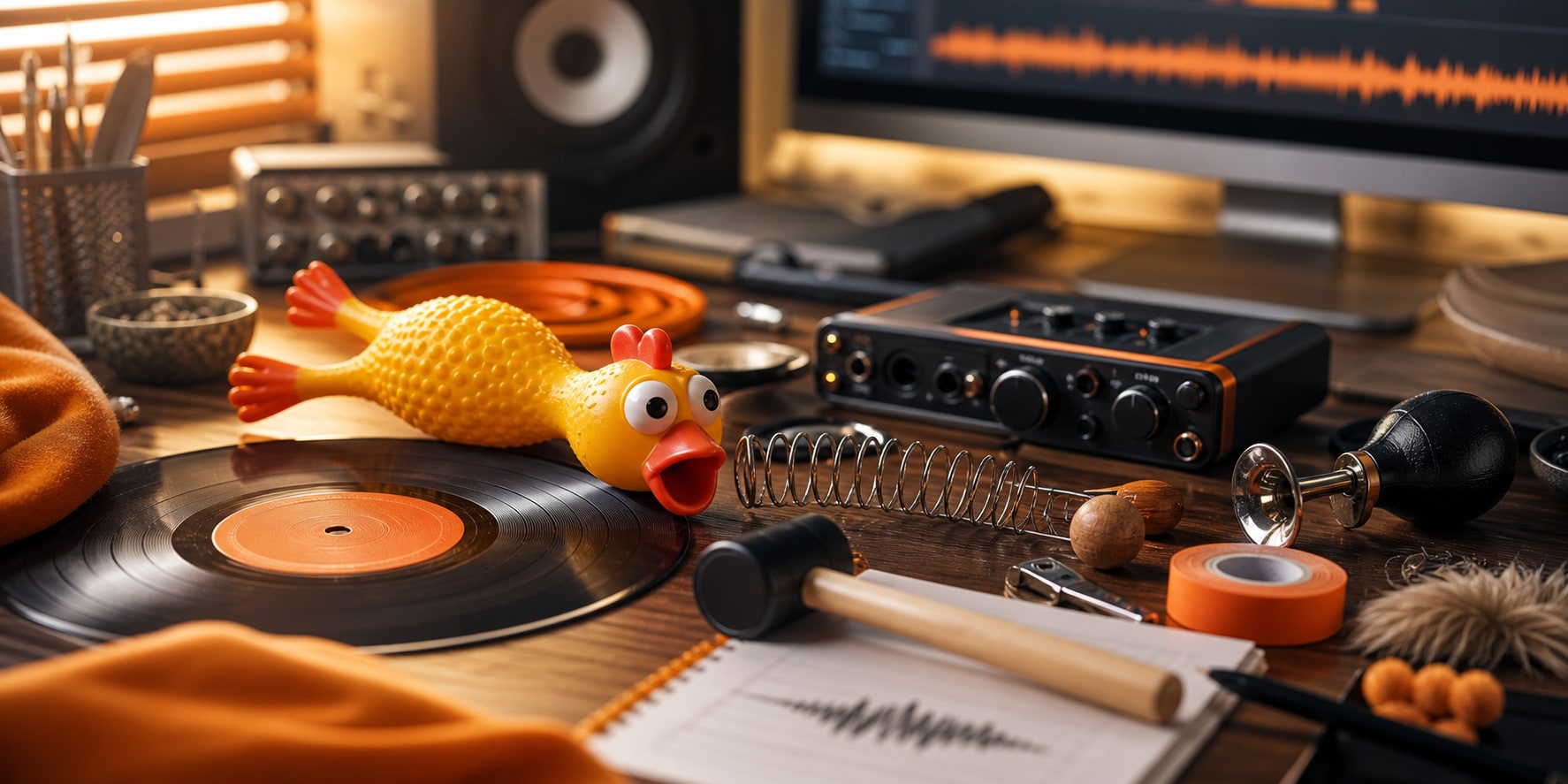
Many playful effects begin as ordinary objects: toys, springs, rubber, metal, wood, plastic, percussion, mouth sounds, or quick vocal gestures. The source matters less than the personality it creates.
A squeaky toy can make a character seem small. A rubber stretch can make a prop feel alive. A dry wooden tap can be funnier than a huge impact if the joke is about awkwardness rather than force.
Goofy sounds in mystery and chase scenes
Comedy sounds are not only for children’s animation. They can lighten a spooky moment, make a chase easier to follow, or separate beats in a fast sequence where the picture is doing a lot at once.
In a busy scene, each sound should give the viewer one readable event: the reveal, the panic, the slip, the recovery. If three funny sounds fight for the same half-second, the beat gets smaller instead of bigger.
Example breakdown: a simple pratfall
Imagine a character walking into frame with too much confidence, stepping on a rolling object, slipping, hanging in the air for a half-second, and landing behind a table. A realistic pass might include shoes, cloth, body impact, and prop movement. A goofy pass could be more selective:
- Confident entrance: two dry footsteps, slightly too neat.
- Bad step: a tiny squeak or scuff on the frame the foot loses grip.
- Suspended panic: a short rising whistle or rubber stretch while the body hangs.
- Impact: a soft bonk with very little low end.
- Aftermath: half a beat of silence, then a small object pop or embarrassed vocal reaction.
The scene does not need sound on every limb, prop, and facial expression. The best version is usually five clear sounds or fewer, each assigned to a different story beat.
A practical goofy SFX workflow
- Mark the punchline frame. Find the frame where the joke turns: contact, realization, eye-line shift, object reveal, or reaction cut.
- Name the comic job. Decide whether the sound should say bounce, failure, awkwardness, speed, cuteness, panic, or harmless impact.
- Audition three families. Try one literal sound, one cartoon sound, and one unexpected sound. The unexpected choice is often best, but only if it still reads clearly.
- Trim the transient. Comedy timing depends on the front edge. Remove dead air so the sound starts exactly where you intend.
- Pitch for scale. Pitch down for larger, dumber, heavier jokes. Pitch up for smaller, faster, more nervous jokes. Start with small moves before going extreme.
- Leave room around it. If the dialogue is the joke, place the SFX after the line or on the reaction. If the picture is the joke, let the sound lead the viewer’s eye.
- Check it small. Play the edit on laptop or phone speakers. If the joke only works on studio monitors, the sound may be too subtle for social video.
Timing rules for comedy sound design
On the action works for impacts, pops, button presses, and hard visual changes. The sound should hit the same frame the action becomes readable.
Before the action works for anticipation: a little wind-up, squeak, inhale, or rising pitch can tell the audience something is about to go wrong.
After the action works for embarrassment. A tiny squeak after a character lands, or a record scratch after a bad sentence, can be funnier than hitting the action itself.
On the reaction works when the character’s face is the punchline. In that case the sound belongs to the realization, not the physical event that caused it.
Creating your own goofy sounds
1. Record playful source material
Start with objects that already have personality: squeeze toys, rubber bands, balloons, springs, wood blocks, plastic containers, small bells, mouth pops, sneaker scuffs, rulers flexed on a desk, and light percussion. Record several intensities and leave a few seconds of room tone so you can clean the file later.
2. Shape the envelope
Comedy effects often need a fast front edge and a short tail. Trim silence before the transient. Use fades so the sound ends before the next line or cut. If the effect feels lazy, shorten it before making it louder.
3. Use pitch as character
Higher pitch can make a sound feel smaller, younger, faster, or more nervous. Lower pitch can make it feel heavier, slower, or more ridiculous. Duplicate the sound and create a few pitched versions so you can audition them against picture.
4. Add texture without clutter
A little saturation can help a bonk or pop read on small speakers. Light compression can make a squeak more consistent. EQ can remove rumble from toy sounds or harshness from plastic hits. Keep reverb intentional: dry sounds feel editorial and close, while reverberant sounds feel like they belong inside the scene.
5. Build a repeatable palette
For animation, games, and recurring characters, create a small palette rather than choosing random sounds every time. A nervous character might get squeaks and scuffs. A chaotic character might get zips, boings, and slap hits. A deadpan character might get almost nothing except one dry tap at exactly the right moment.
Layering and mixing goofy sounds
Layering works only when each layer has a job. A comedy impact might use a short slap for contact, a toy squeak for attitude, and a soft thud for weight. If all three layers are loud, the result becomes mush. Pick one star and keep the other layers small.
For rubbery movement, try a stretch or zip into a tiny pop. For a clumsy slip, try a scuff into a squeak rather than a full footstep sequence. For a record scratch, cut the music or ambience for a beat so the stop feels intentional. EQ usually matters more than volume: roll off low end on squeaks and boings, keep impacts short, and automate around dialogue.
Best goofy sound effects by use case
- YouTube, TikTok, and Reels: Use sounds that read quickly on phone speakers: record scratches, tiny boings, squeaks, pops, short vocal reactions, and clean hits.
- Animation and motion graphics: Build a small palette for each character or object so repeated gags feel intentional instead of random.
- Games and apps: Choose short sounds that can repeat without becoming irritating, especially for UI rewards, failed actions, and character movement.
- Podcasts: Use goofy SFX as transitions or reactions, not as a second host. The voices still need to lead.
Common mistakes to avoid
- Adding a sound to every movement. Comedy needs shape. If every blink gets a sound, the punchline has nowhere to land.
- Choosing the loudest sound first. The funniest sound is often the most specific, not the biggest.
- Using impacts with too much low end. A heavy boom can make slapstick feel violent. If the hit is harmless, keep it short and controlled.
- Ignoring the music. Record scratches, wah-wahs, and stingers can clash with the score. Make sure the key, rhythm, and timing do not fight the music bed.
- Letting tails overlap dialogue. Long effects can step on the next line. Trim or fade them so the scene keeps moving.
- Forgetting licensing. Meme-famous sounds are not automatically safe to use. For client work, games, monetized channels, and ads, use royalty-free sound effects with clear usage rights.
Royalty-free goofy sound effects
The goofy sound effects in Audio Design Desk and +Sounds are built for editors who need searchable, downloadable sounds for videos, games, podcasts, animation, and social content. The companion collection for this article is designed to include a practical spread: boings, toy squeaks, record scratches, short impacts, scuffs, vocal reactions, and tiny digital cartoon sounds.
If you need a wider library, +Sounds includes sound effects, foley, ambience, music, and sound design elements that can be searched by category, pack, keyword, mood, and use case.
You can also browse related ADD sound-effects guides: cartoon sound effects, weird sound effects, pop sound effects, punching sound effects, and thud sound effects.
FAQ
What are goofy sound effects?
Goofy sound effects are exaggerated comedy sounds such as boings, squeaks, record scratches, whacks, slips, pops, and silly vocal reactions. Editors use them to make movement, mistakes, awkward pauses, and visual jokes feel funnier.
Where can I download goofy sound effects?
You can download royalty-free goofy sound effects from Audio Design Desk and +Sounds. A useful goofy SFX collection should include boings, toy squeaks, record scratches, short comedy impacts, scuffs, pops, and vocal reactions.
Are goofy sound effects good for YouTube videos?
Yes. Goofy sound effects work well in YouTube videos, Shorts, TikToks, Reels, and creator edits because they read quickly and help viewers understand a reaction, mistake, transition, or punchline.
What is the difference between goofy sound effects and cartoon sound effects?
Cartoon sound effects are the broader category of exaggerated animation sounds. Goofy sound effects are the comedy-focused part of that world: playful, awkward, silly, and often used to make a scene feel less serious.
How should I time a goofy sound effect?
Time the sound to the moment the joke becomes clear. That might be the impact frame, the reaction cut, the awkward pause after a line, or the first frame where a character realizes something went wrong.
How many goofy sound effects should I use in one scene?
Use fewer than you think. Start with one strong sound on the funniest beat, then add supporting sounds only if the scene still feels empty or unclear.