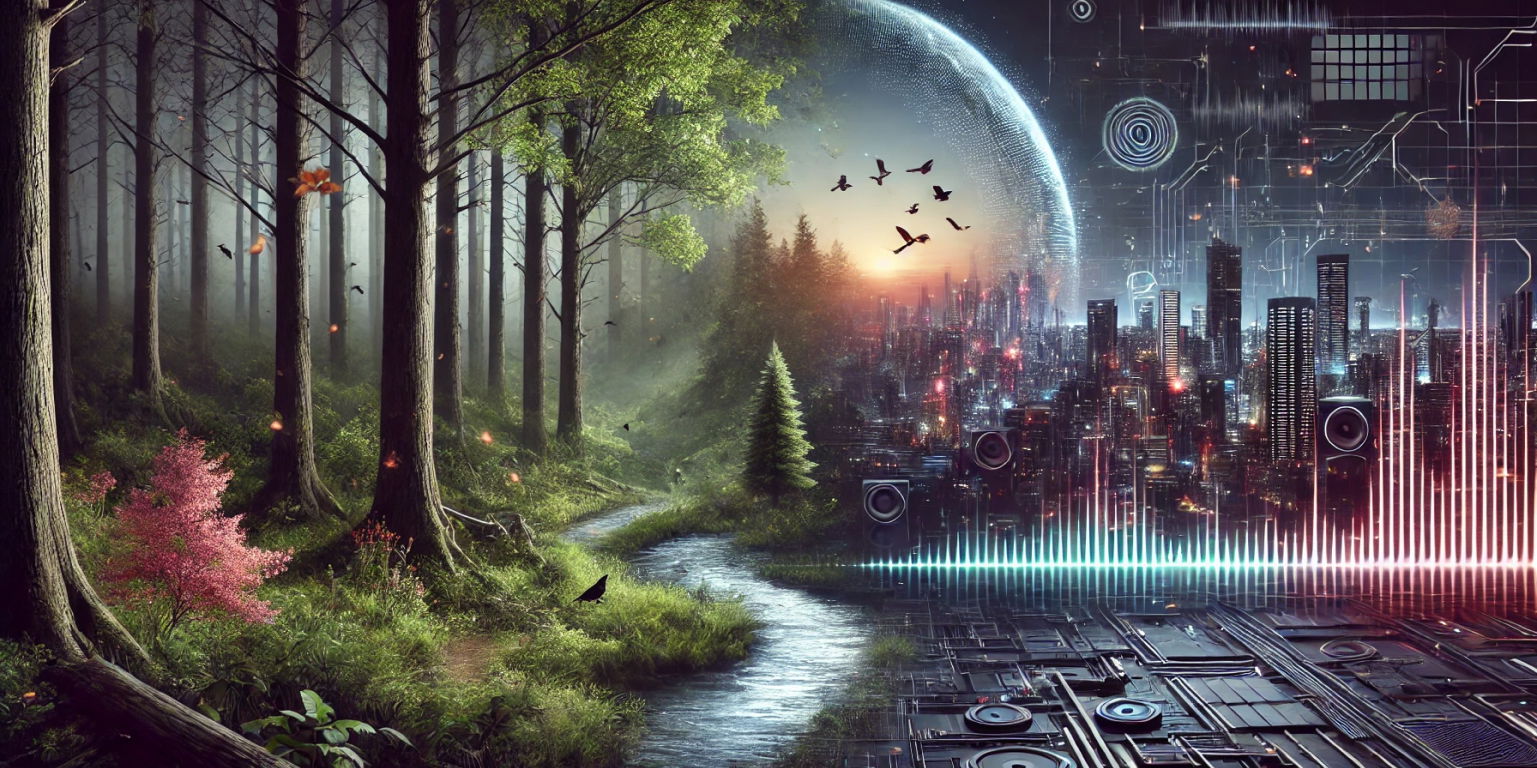
Ambient Sound Effects: Atmospheres, Room Tone, and World Beds

Ambient sound effects are the background sounds that make a place feel alive: room tone, traffic wash, wind, insects, fluorescent hum, crowd murmur, weather, distant machines, drones, and carefully shaped near-silence. They usually sit below dialogue and action, but they do a huge amount of storytelling. A room without tone feels edited. A forest without air feels empty. A spaceship without hum feels like a set.
The best ambient sound effects are not random loops dropped under a scene. They tell the listener where the camera is, how big the space feels, what time of day it is, and whether the moment should feel calm, lonely, tense, playful, or unreal. Below is a free +Sounds playlist of royalty-free ambient sound effects, followed by practical ways to choose, layer, and mix ambience for film, games, podcasts, and video edits.
Types of ambient sound effects
Ambient sound effects work best when each layer has a job. Instead of searching only for a location, search for function: bed, detail, movement, emotion, transition, or silence.
| Ambient type | What it gives the scene | Common uses |
|---|---|---|
| Room tone | Continuity and believable silence | Dialogue edits, interviews, podcasts, narrative scenes |
| City ambience | Scale, density, pace, distance | Street scenes, apartments, offices, dystopian worlds |
| Nature ambience | Place, season, time of day, calm or unease | Forests, fields, rivers, beaches, campsites |
| Weather beds | Pressure, mood, danger, enclosure | Rain scenes, storms, winter edits, suspense |
| Machine hums | Technology, power, tension, interior scale | Spaceships, hospitals, labs, server rooms, vehicles |
| Drones and tonal beds | Emotion and subconscious pressure | Thrillers, trailers, horror, dream sequences |
| Designed atmospheres | World-building beyond realism | Sci-fi, fantasy, surreal videos, game environments |
| Near-silence | Focus, vulnerability, suspense | Before scares, intimate scenes, reveals, final moments |
Design ambience by point of view
Before choosing a sound, decide where the listener is standing. A city street from the sidewalk needs close footsteps, traffic movement, voices, and reflections. The same street from a high apartment may need a softer traffic wash, fewer sharp details, and more low-frequency distance. A forest from a character's point of view may include insects, leaves, breath, and nearby branches. A forest from a wide shot may only need wind, birds, and a broad bed.
This is why ambience is not just background filler. It is camera language. Close ambience gives the edit intimacy. Wide ambience gives the edit space. Filtered ambience can make a scene feel separated by walls, windows, helmets, water, memory, or dream logic. If you are building a water scene, start with water sound effects or underwater sound effects, then add only the details that match the shot.
Ambient sound design in action
Blade Runner 2049: a city that breathes pressure
The Los Angeles atmosphere in Blade Runner 2049 is not just traffic plus rain. It is weight: low rumbles, filtered machines, distant movement, weather, and synthetic tones that make the city feel oppressive before anyone explains it. Notice how the ambience carries scale while the sharper foreground sounds tell you where to look.
The Legend of Zelda: Breath of the Wild: quiet as a system
Breath of the Wild often lets ambience do the work that music might do in another game. Wind, birds, insects, footsteps, cloth, grass, and distant environmental details tell the player where they are and how exposed they feel. The restraint is the lesson: if the world is already speaking clearly, you do not need to fill every second.
Inception: realistic places bent into dream logic
Inception uses familiar environments, then bends them with slow movement, reverb, low-frequency pressure, and surreal timing. That is a useful approach for any edit that needs to feel slightly unreal: keep one believable layer, then add one designed layer that tells the audience something is off.
Stardew Valley: ambience as feedback
In Stardew Valley, ambience helps the player understand season, time, weather, and place. It is not only decorative. The environment tells you what kind of day it is. That same idea applies to video, podcasts, and short-form edits: ambience can orient the audience before the dialogue or picture spells it out.
How to build an ambient sound bed
A strong ambient bed usually starts simple. Build from the broadest layer to the smallest detail, then remove anything that does not help.
- Start with the base bed. Choose one stable layer that defines the location: room tone, city wash, forest air, rain, machine hum, or ocean movement.
- Add perspective details. Add a few close or distant elements that match the camera position, such as nearby insects, passing cars, chair movement, electrical buzz, or far-off voices.
- Add emotional color. Use a low drone, soft tonal pad, high airy texture, or slight modulation only when the scene needs a psychological push.
- Leave space for dialogue and action. If the ambience competes with speech, jokes, hits, footsteps, or music, simplify it.
- Automate movement. Small level, EQ, pan, and reverb changes can keep a long bed alive without making it distracting.
For impact-heavy scenes, ambience should support the action rather than blur it. A fight can use a wide warehouse tone under punching sound effects or thud sound effects. A horror scene can use a barely moving room tone under scary sound effects. The bed creates the world; the foreground sounds create the moment.
Mixing ambient sound effects
Ambient sound is usually felt more than noticed. If the audience points at the ambience, it may be too loud, too busy, or too emotionally obvious. Start lower than you think, then raise it until the scene stops feeling empty.
- Use EQ for clarity. Remove low-end rumble that fights dialogue, and soften harsh high frequencies that pull focus.
- Use reverb as a perspective tool. A small room tone, hallway, street, forest, and cavern should not share the same space.
- Keep loops from revealing themselves. Offset, crossfade, or layer loops with different lengths so obvious repeats do not appear.
- Protect silence. Do not fill every pause. Sometimes the most powerful ambient choice is the sound dropping away.
Common ambient sound mistakes
- Using ambience as wallpaper. If the sound does not tell us place, tone, distance, or state, it may be clutter.
- Overusing drones. A drone can add tension, but it can also flatten emotion if it never changes.
- Making every layer stereo-wide. Wide sounds can feel impressive alone and messy in a mix. Give some layers a clear position.
- Ignoring the cut. Ambience should bridge edits when continuity matters and change sharply when the story changes.
- Forgetting room tone. Dialogue edits without matching tone can feel choppy even when the words are clean.
Ambient sound effects FAQ
What are ambient sound effects?
Ambient sound effects are background audio elements that establish place, tone, scale, and continuity, such as room tone, city noise, wind, rain, insects, crowd murmur, drones, machine hums, and environmental beds.
What is the difference between ambience and sound effects?
Ambience usually creates the environment around a scene, while foreground sound effects mark specific actions like doors, footsteps, hits, UI clicks, or object movement. In practice, many edits use both together.
How loud should ambient sound effects be?
Ambience should usually sit below dialogue, foreground action, and music. Raise it until the scene feels alive, then pull it back if it starts competing with the story.
Can I use ambient sound effects in YouTube videos, games, and podcasts?
Yes. Royalty-free ambient sound effects can be used in YouTube videos, games, podcasts, films, and social edits as long as the license fits the project. Use ambience to orient the listener and make edits feel less empty.